


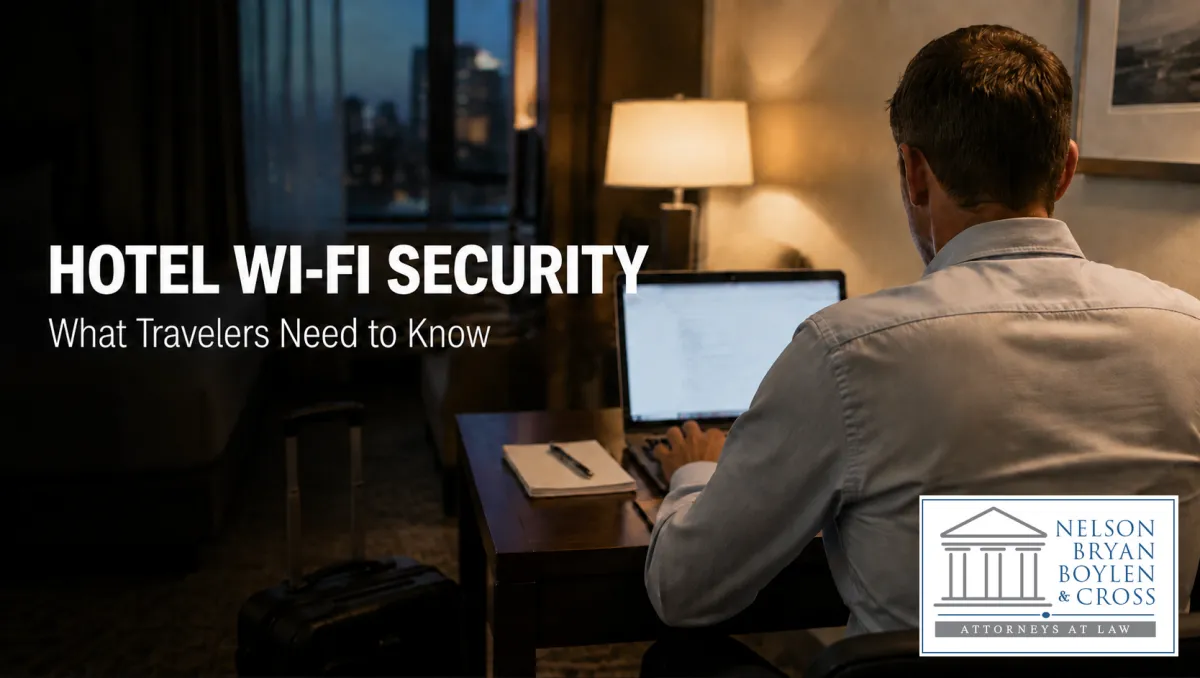
Hotel Wi-Fi Security Alert: What Travelers Need to Know
A public-safety update from Nelson, Bryan, Boylen & Cross
At Nelson, Bryan, Boylen & Cross, we believe trusted legal guidance begins with helping people make informed decisions. We are sharing this important travel-security alert because a hotel Wi-Fi login should never require you to download software, run a command, or sign in to your work account.
We are sharing this alert because a routine travel inconvenience can quickly become a serious personal or business problem. Microsoft has warned that a Russian state-linked threat actor, commonly tracked as Midnight Blizzard, has been targeting travelers through hotel, conference, and other hospitality Wi-Fi networks. The reported campaign called CaptiveCrunch turns the familiar Wi-Fi sign-in page into a possible path for credential theft, malware, and further access to business systems.
The risk matters to anyone who travels with a work laptop or uses cloud-based business tools. A single compromised device can expose saved passwords, browser sessions, company email, and other sensitive information. Knowing what to look for can help you avoid a preventable loss.
How the attack works
Public Wi-Fi often uses a captive portal: the browser page that appears before you can get online. In the reported attacks, the threat actors position themselves in the network path and manipulate DNS or unencrypted web traffic. The traveler may see what looks like an ordinary connection page, a security warning, or an update prompt.
From there, the attackers may redirect the browser to a lookalike sign-in page, present a fake software update, or quietly proxy traffic through their own infrastructure. The page can feel urgent or familiar, which is exactly what makes it dangerous.
What attackers may try to steal
·Work and personal credentials through counterfeit Microsoft 365 or other sign-in pages.
·Device codes, browser session cookies, OAuth tokens, and saved passwords that can help bypass a normal login later.
·Access to the device itself through remote-access malware, potentially enabling keystroke capture or surveillance.
·Wi-Fi credentials and other data that could help attackers move to additional accounts or networks.
The red flags to recognize
A legitimate Wi-Fi portal may ask for a room number, a basic access code, or an email address. It should not need you to install a browser update, a Windows patch, a certificate, a PDF viewer, or a “network fix” before you can connect.
Microsoft specifically identified lures designed to resemble Windows Update, Windows Security, DirectX, Visual C++ Redistributable, disk optimization, network diagnostics, browser updates, and PDF-viewer installers. Treat any of these as a stop sign when they appear immediately after joining public Wi-Fi.
Trusted guidance matters: If a suspected device compromise leads to a financial loss, identity-theft concern, or other legal question, our team is here to listen and help you understand your next step.
Protect yourself before and during travel
·Use your phone’s hotspot when practical. A reputable cellular connection is generally safer than an unfamiliar hotel network.
·If you must use public Wi-Fi, complete the hotel portal first, then start a trusted VPN before opening websites or apps. Enable the VPN’s kill switch if it offers one.
·Never download software, install a certificate, or copy and paste commands just to get online.
·Do not enter Microsoft 365, Google Workspace, banking, or other high-value credentials into a page reached through a Wi-Fi redirect. Open a known app or type the service’s official address yourself.
·Pause if the page is urgent, uses a countdown, or pressures you to act fast. These tactics are common in ClickFix-style scams.
·Keep your browser, operating system, and security software updated before you leave. Legitimate updates are easier to manage on a trusted connection.
·Use a throwaway email alias if a captive portal insists on an email address for marketing or registration.
A quick certificate check can help
Before providing information to a public Wi-Fi portal, look at the page address and its certificate information. A mismatched hostname, an untrusted issuer, or a plain HTTP connection are warning signs. These checks do not catch every fraudulent portal, but obvious problems are a reason to stop and ask the hotel for help in person.
What businesses should do
Businesses can reduce the damage from travel-related phishing and malware by requiring multi-factor authentication, using device management and endpoint protection, limiting local administrator rights, and training employees not to install software from captive portals. IT teams should also have a clear way for travelers to report a suspicious connection prompt quickly.
If you believe a device was compromised while traveling, disconnect it from the network, contact your IT or security provider, change passwords from a known-safe device, and review active sessions and authentication records. Prompt action can prevent a single incident from becoming a broader business disruption.
The bottom line
Convenience should never override caution. When a public Wi-Fi login asks for more than basic connection information, slow down. Use a safer connection if you can, avoid downloading anything, and access important accounts only through known, trusted paths.
Here when you need trusted guidance
At Nelson, Bryan, Boylen & Cross, we are committed to being a dependable resource for the people and businesses we serve. We share important safety information because prevention matters and because when an unexpected problem causes financial loss, disruption, or another legal concern, it helps to know where to turn.
If you have questions after a suspected security incident or believe you may have suffered a loss, call our office today. Our team will listen to your situation, help you understand your options, and discuss whether we may be able to assist. When you need trusted advocates in your corner, Nelson, Bryan, Boylen & Cross is here to help.
Information only-not legal or cybersecurity advice.
Nelson, Bryan, Boylen & Cross
Focused On Results. Committed to Excellence. Dedicated to Advocacy.
(205) 387-7777 | 1801 Corona Ave., Jasper, AL 35501 | nbbclaw.com
